I built Clipit to save full-text bookmarks in my Obsidian vault. Give it a URL and it’ll download the page, strip out the navigation and other clutter, and save the readable content as Markdown. It’s handy for feeding articles into LLMs, too.
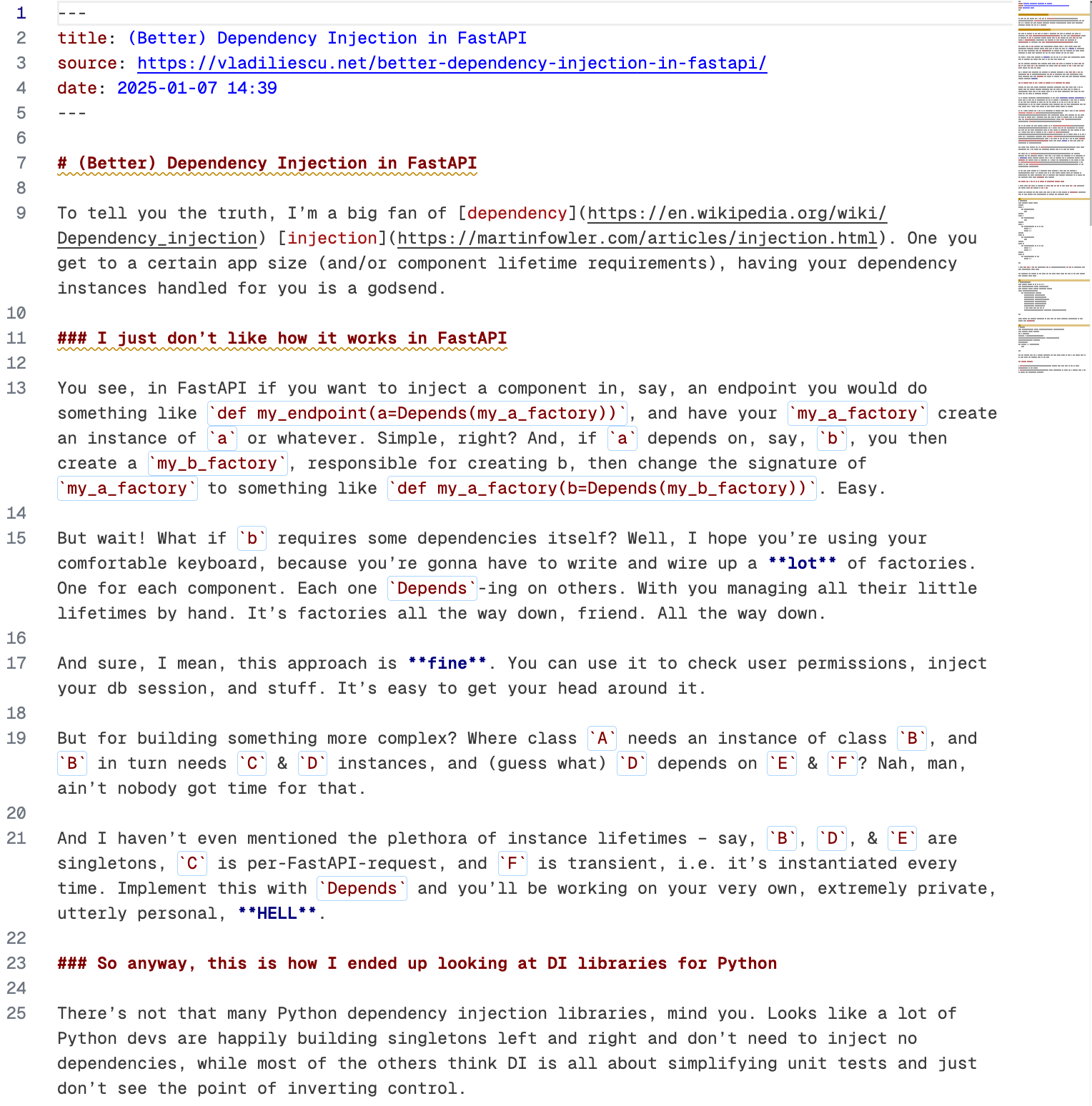
It gets you from this:
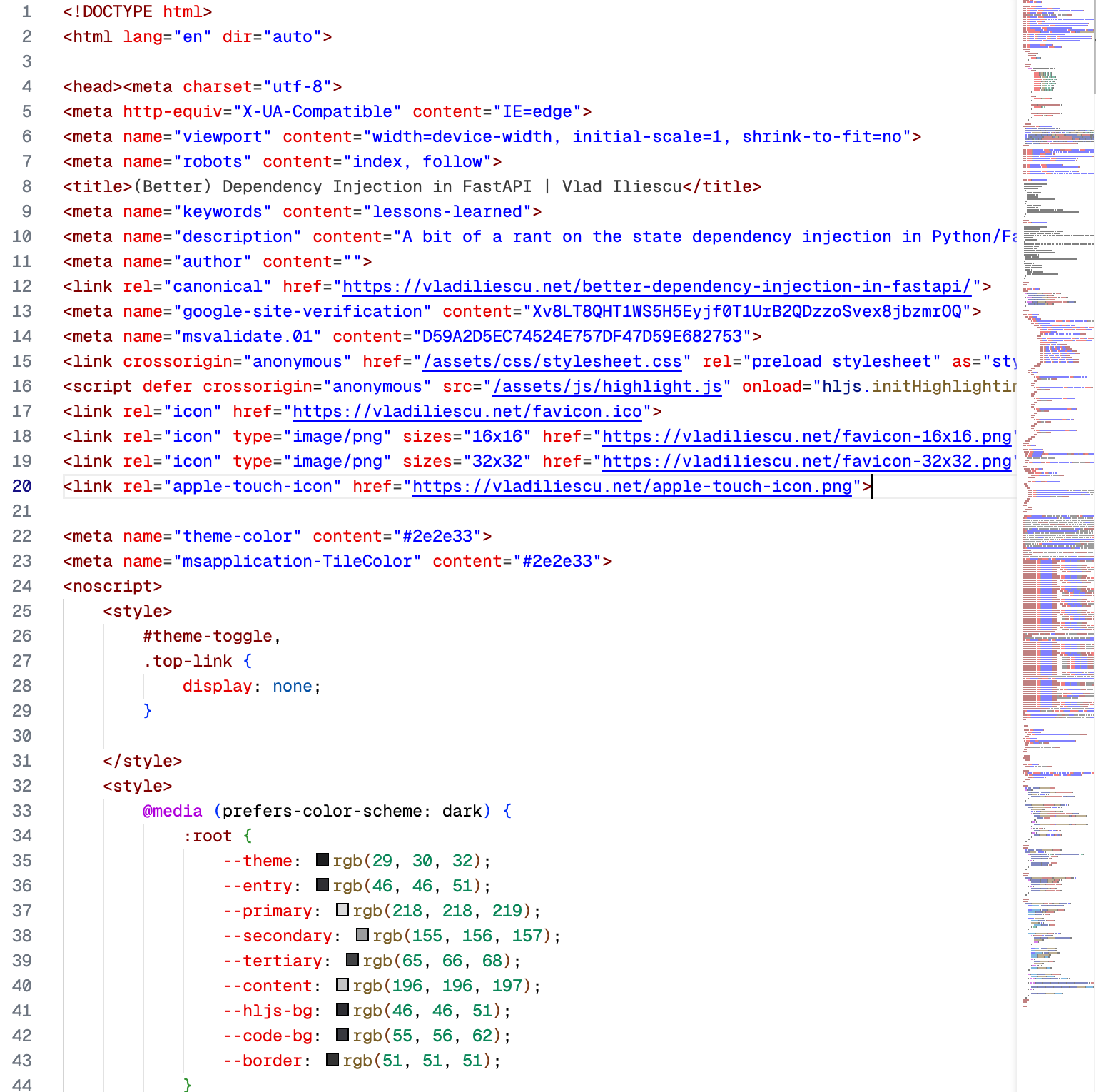
to this:
Try it out
With uv installed:
uv tool install clipit
clipit https://example.com/article
Or run it once with uvx clipit https://example.com/article.
Clipit can also save readable or raw HTML, send Markdown to stdout, and download article images. YAML front matter and folders grouped by domain make the output fit nicely into an Obsidian vault. If you’re building your own app, it’s available as a Python library as well.
One thing to watch out for
The default extractor uses Readability.js, so you’ll need Node.js installed. You can pass --no-use-readability-js to use the Python extractor instead, though the results aren’t always as clean.
More background
I wrote about why I built it and turning it into a library and uv tool.